
Military Technology · Android
What if someone forces you to unlock your phone?
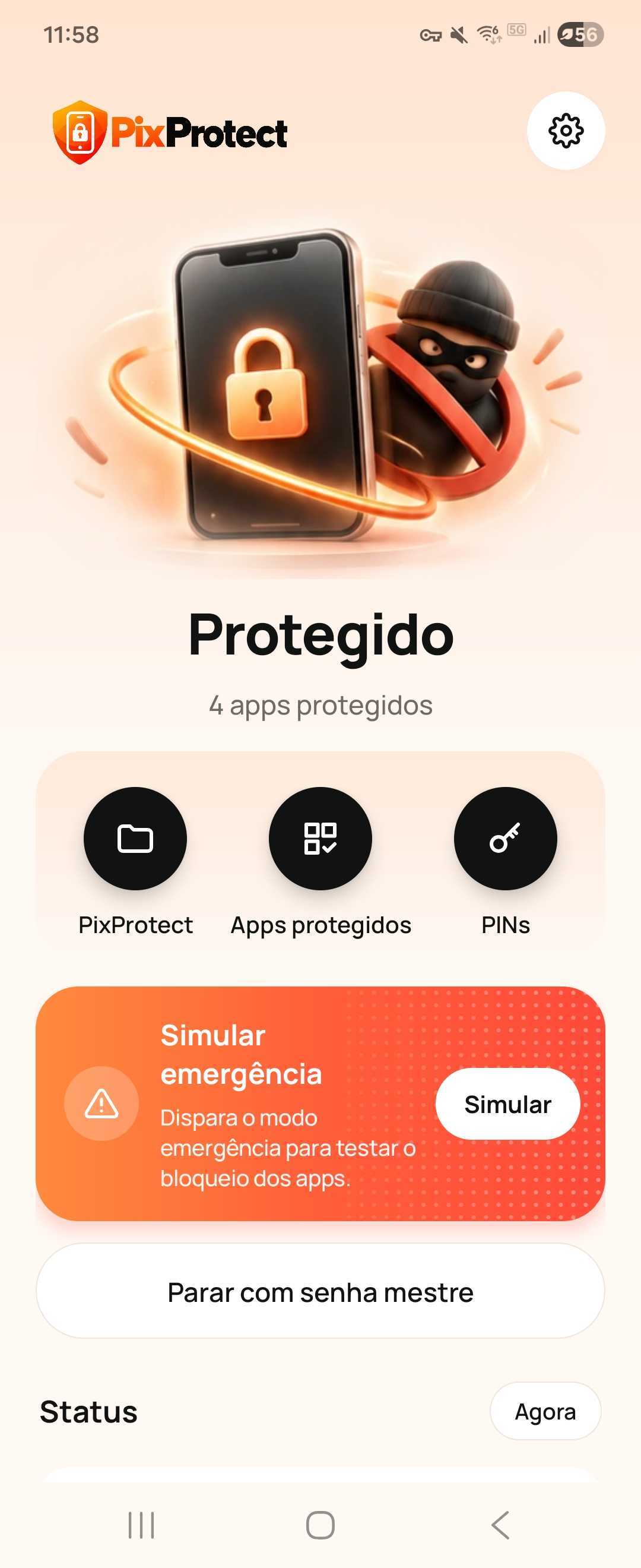
Banks, conversations, photos, documents — everything is exposed. PixProtect keeps your sensitive apps in a separate, protected environment. In an emergency, a single PIN can remove everything at once.
Protection for finances, conversations, photos, documents and sensitive apps.

How PixProtect protects you
Your phone unlocked. Your life exposed.
In a robbery or express kidnapping, a single threat is enough to force you to unlock your phone. Bank accounts, money, conversations and personal files end up within the criminal's reach.
Your password isn't enough
It blocks access only until the phone is unlocked. Under duress, that protection can vanish in seconds.
Your phone unlocked. Your life exposed.
In a robbery, a threat can force you to reveal everything: banks, conversations, money and personal information.
Your password isn't enough
Under duress, unlocking can expose your data in seconds.
Your most valuable data. Out of reach.
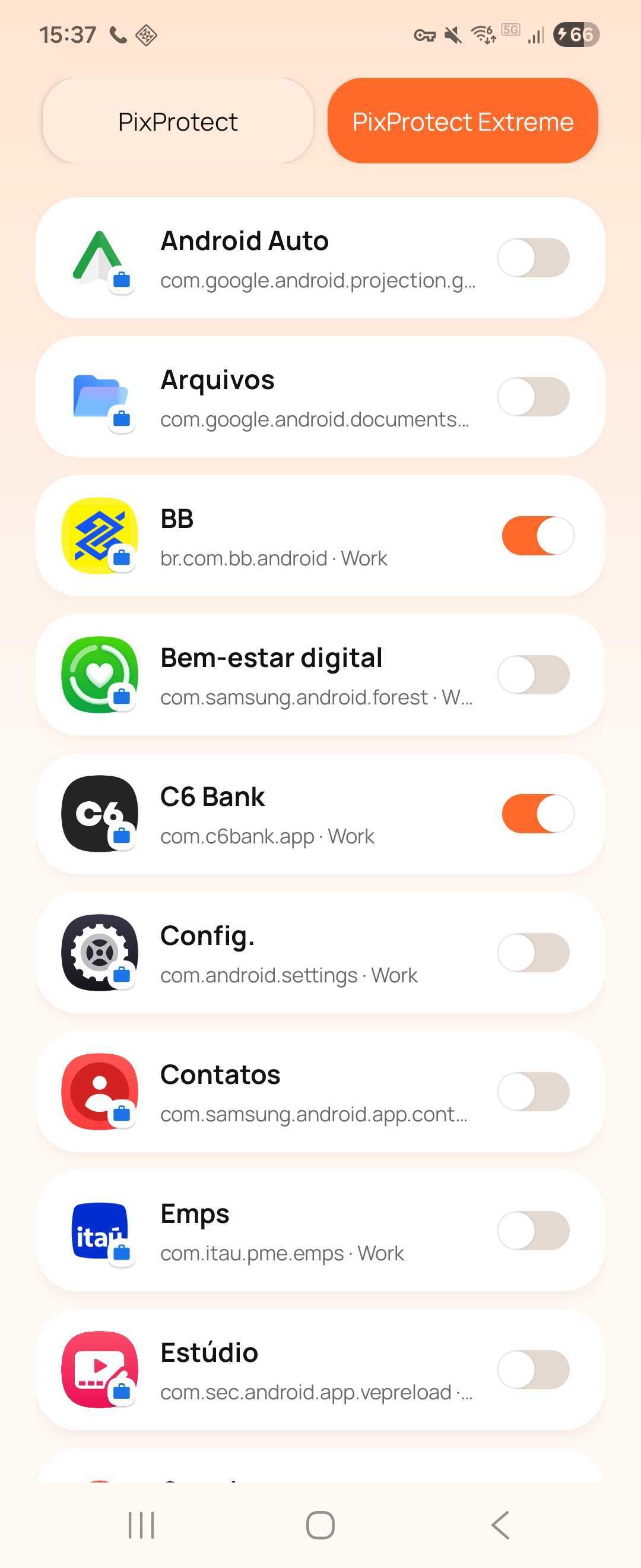
Choose which apps, accounts and files you want to protect. PixProtect keeps your sensitive information in an isolated, encrypted, PIN-protected environment.
You're in control
You decide what to protect. PixProtect keeps your sensitive data separate from the rest of your phone.
Your most valuable data. Out of reach.
Isolate sensitive apps, accounts, and files in an encrypted, PIN-protected environment.
You're in control
Choose what to protect. PixProtect takes care of isolation.
Under threat? One PIN changes everything.
The Duress PIN transforms a risk situation into a security response. When entering the emergency code, PixProtect automatically activates the protection protocol.
Invisible protection
No warnings, notifications or alerts that reveal to the attacker that the protocol was activated.
Under threat? One PIN changes everything.
The Duress PIN automatically activates the emergency protocol when you enter the special code.
Invisible protection
No warnings or visible signs for the attacker.

One code. Your data disappears.
The Wipe PIN triggers the deletion of the protected environment, including apps, sessions, conversations, photos, documents and private files, plus the associated cryptographic keys.
Everything in a single action
No picking apps or deleting files one by one. A single command triggers the deletion of the protected environment.
One code. Your data disappears.
The Wipe PIN wipes the protected environment, its apps, files, sessions and cryptographic keys.
Everything in a single action
One command to wipe the protected environment.
The phone stays. Your secrets don't.
The device keeps working, but the protected environment is no longer available. Financial information, conversations and private documents are put out of reach of whoever holds the device.
Even forensics has no easy path
Deleting data and cryptographic keys makes recovery extremely difficult, including with specialized forensic tools.
The phone stays. Your secrets don't.
The device continues to work, but your protected information is no longer accessible.
Even forensics has no easy path
Wiped data and destroyed keys make forensic recovery drastically harder.
Protection that goes beyond the surface
Built for when unlocking your phone stops being a choice.
PixProtect brings together duress protection, emergency data removal, and native Android encryption to keep your sensitive information out of reach, even in the most extreme situations.
Duress PIN
Under threat, silent protection
An alternative PIN that, when entered under duress, discreetly triggers security mechanisms — with no visible alerts to anyone watching.
Wipe PIN
A code. Everything eliminated.
An emergency PIN that deletes the apps, files and information in the protected environment all at once. The rest of the phone stays intact.
Native encryption
Your data, shielded
Protection based on Android's own encryption and isolation mechanisms, which protect sensitive information within the protected environment.
Destroyed keys
Access blocked
When removing the protected environment, the associated cryptographic keys are eliminated, preventing conventional decryption of the data.
Recovery made harder
Data out of reach
Without keys, protected data is inaccessible by conventional methods and extremely resistant to recovery, including forensic tools.
Minimized traces
Privacy to the last trace
Reduces digital traces of applications, files and information that were in the protected environment, making it difficult to know what was there.
What it does.
What it doesn't promise.
Requirements
- Android with Work Profile support
- Device administrator permission
- PINs and protected apps set up in advance
Limitations
- Does not prevent robberies or kidnappings
- Does not block ongoing bank transactions
- Does not guarantee recovery is impossible in every scenario
- Does not erase the entire phone — only the protected environment
The wipe is a separate, irreversible action. When triggered, it deletes the protected environment and all data kept in it. Use it only if you set up this response in advance.
Frequently asked
questions.
Does PixProtect replace your phone's password?
No. It is an extra layer for situations where the phone has already been unlocked.
Do I need to open PixProtect every time I use my phone?
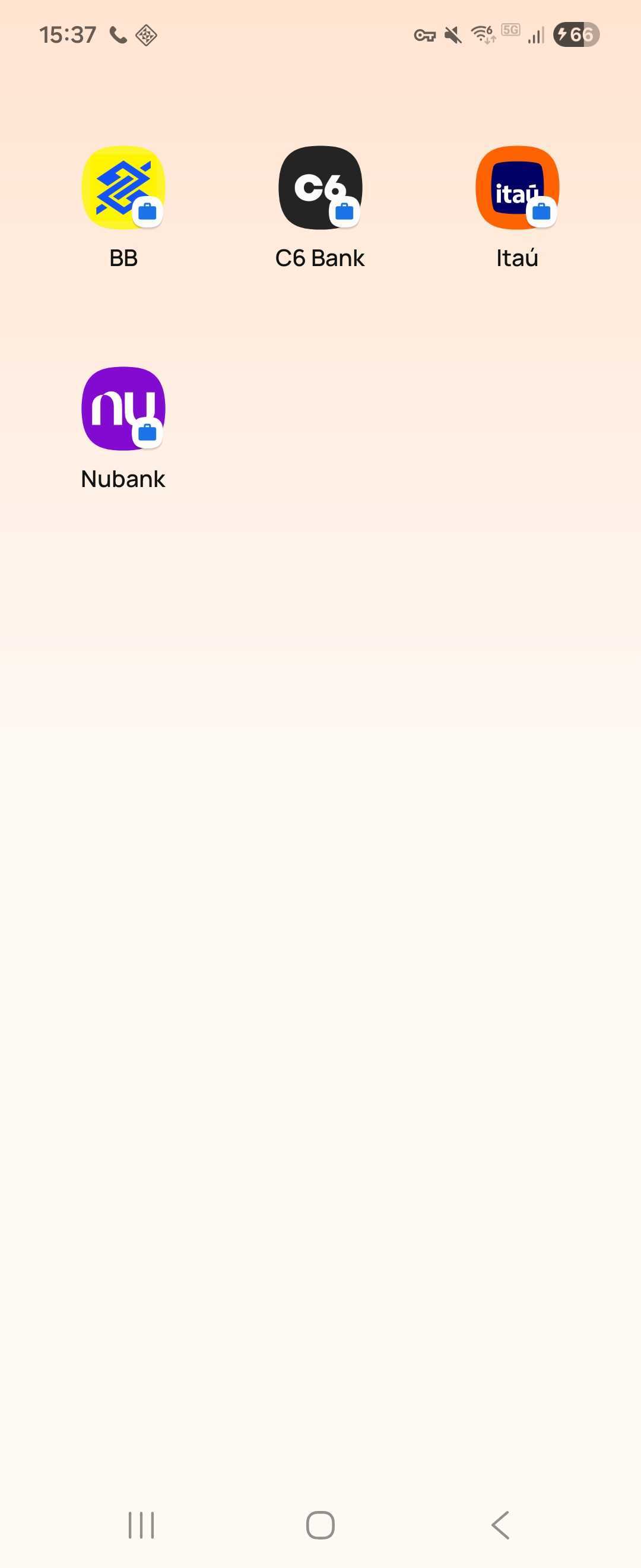
No. After setup, normal use continues as usual. Protected apps are opened through the PixProtect folder when needed.
Can I choose which apps to protect?
Yes. You decide which apps are sensitive — banks, wallets, messengers, photos or anything else.
What happens when someone tries to open a protected app?
The app shows a generic error message, as if it was having problems. There is no sign that it is protected by PixProtect.
Does the emergency PIN erase the entire phone?
No. It removes only the protected environment and the data kept in it. The rest of the phone stays intact and works normally.
Can removed data be recovered?
When the protected profile is removed correctly, the local data and associated protection keys are deleted. This makes subsequent recovery extremely difficult, including with specialized forensic tools. However, it is not possible to guarantee that no traces will remain in all scenarios.
Does it work on any Android?
The device must support Work Profile. Most modern Android phones have this feature.
Set up your protection before you need it.
Security for your sensitive apps when unlocking your phone stops being a choice.